How to connect
This guide will go over how to connect to your rayhl.org minecraft server.
You can find your server's address via the panel. Visit panel.rayhl.org and go to the server you wish to join.
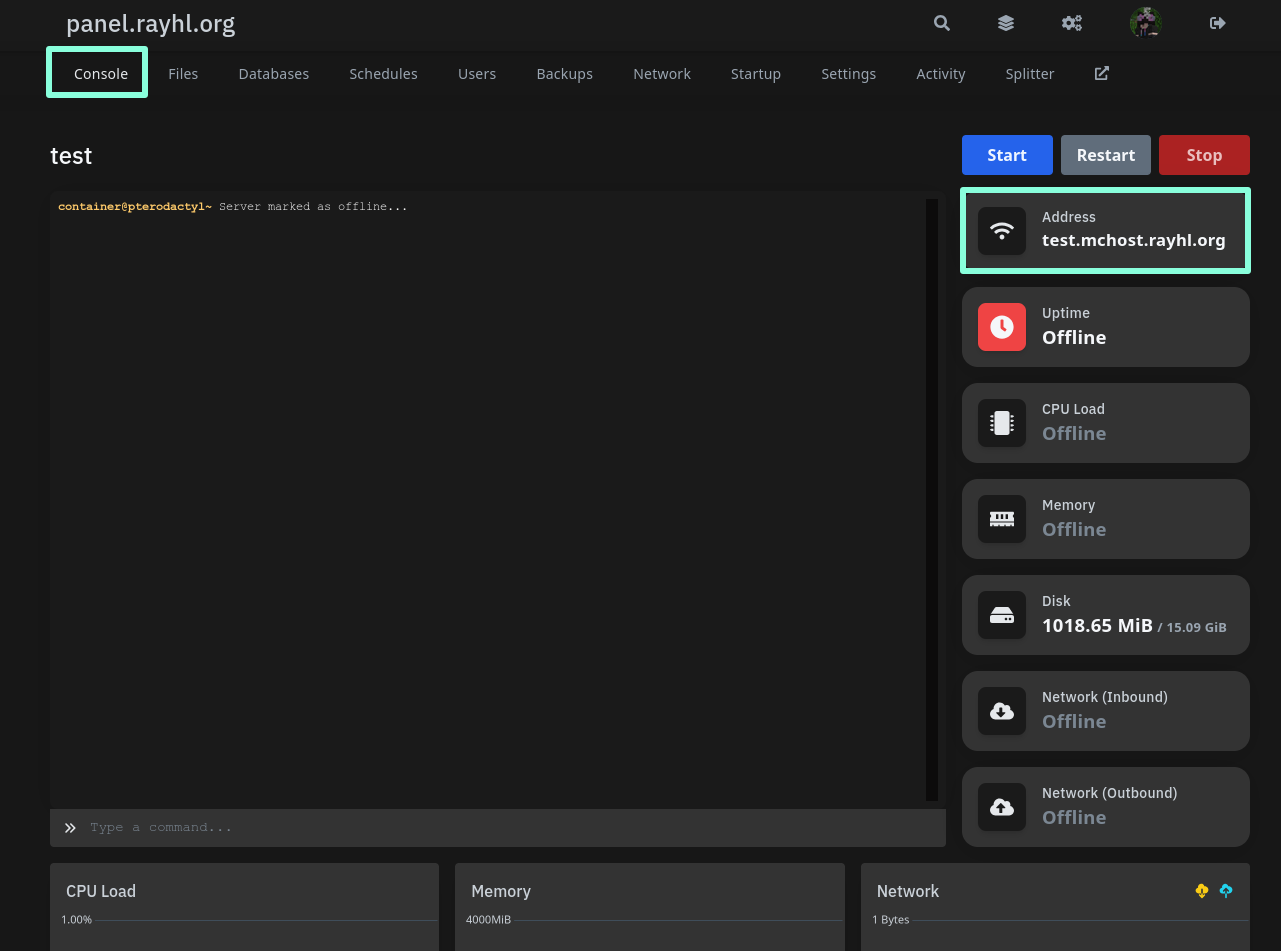
In the console tab » Address you can find your server's IP.
Your server IP usually will contain a suffix of .mchost.rayhl.org.
Your server must be online to connect. Press the blue start button in order to start the server if it is offline.
Usually, you may see something along the lines of
Done (Xs)! For help, type "help" in the console when the
server has started and isn't in the process of starting plugins and
worlds.